
Online Image Cropper
Crop images accurately without losing quality. Remove unwanted outer areas and create properly framed visuals for social media, websites, ecommerce, and digital documents while maintaining original clarity.

Drag & drop image
PNG, JPG, WebP up to 50MB
Elevate Your Productivity
Explore our suite of image tools designed to simplify your digital workflow.
Crop Images with Proper Framing and Clean Composition
A good image crop tool helps keep the important part of an image visible while removing unnecessary outer space. Proper cropping improves visual balance and ensures images display correctly across different layouts and screen sizes.
toolkilsnap provides a simple and reliable way to adjust image framing without affecting clarity, making it useful for both professional and everyday image editing needs.
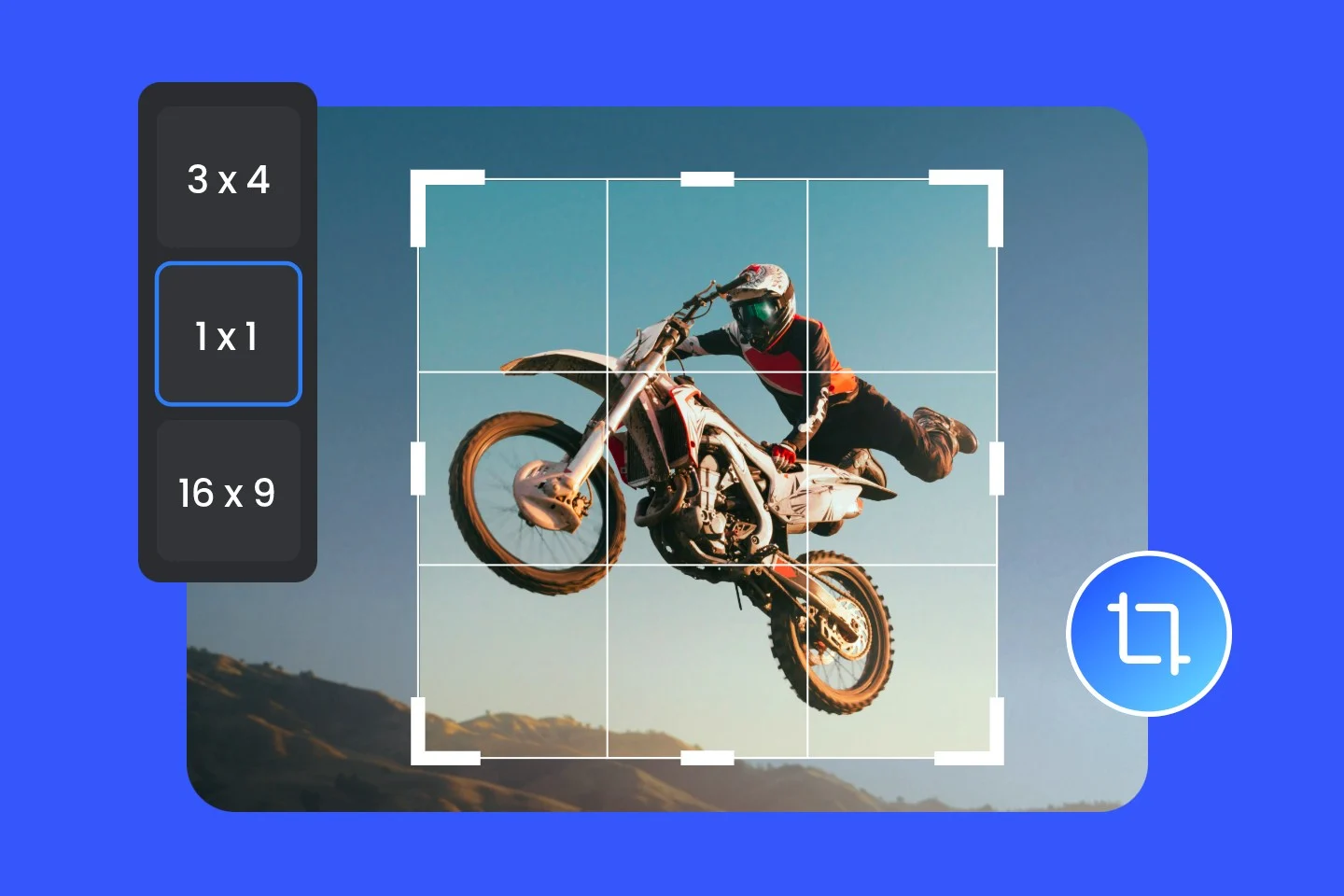
Preset Ratios for Social Media and Website Images
Images often require specific ratios to display correctly across platforms. Preset ratios help create consistent layouts without manual calculation.
Common ratio options include:
- square ratio for post images
- vertical ratio for story images
- wide ratio for banners and thumbnails
- standard ratio for photos
- custom dimensions for flexible layouts
toolkilsnap helps create images that match platform requirements accurately.
Custom Width and Height for Exact Image Dimensions
Custom dimension input allows images to be cropped according to exact layout needs. This is useful when preparing visuals for blog images, ecommerce listings, website banners, thumbnails, and presentations.
Using correct dimensions helps maintain visual consistency across digital content.
How to Crop Image Online
Upload image from device
Adjust crop area using drag handles
Choose ratio or enter custom dimensions
Preview cropped image
Download final image
The process is simple and takes only a few seconds.
When to Use Image Cropper Instead of Image Resizer
Cropping removes unwanted outer parts of the image, while resizing changes overall width and height. Both tools are useful in image optimization workflow.
Use cropping when:
- ✅ you want to remove extra outer areas
- ✅ you want to focus on the main subject
- ✅ you need a specific aspect ratio
toolkilsnap provides both crop and resize tools to support complete image preparation.
Image Cropping Helps Maintain Consistent Layout Design
Properly cropped images fit better into website sections, blog layouts, and mobile screens. Consistent image alignment improves readability and enhances overall visual appearance.
toolkilsnap helps maintain balanced image presentation across devices.
Practical Uses of Online Image Cropper
- prepare images for social media posts
- adjust product photos for ecommerce
- create balanced blog images
- crop profile photos
- focus on specific parts of screenshots
- prepare visuals for presentations
Cropping helps images appear more professional and structured.
Online Image Cropper as Part of Image Optimization Workflow
Cropping is often the first step before resizing or compressing images.
Recommended workflow:
- crop image
- resize image
- compress image
- convert format if needed
toolkilsnap provides related tools for complete image optimization.
Supported Image Formats
Images remain clear and usable after cropping.
Tips for Better Cropping Results
- keep main subject centered
- select correct ratio for platform
- avoid excessive cropping
- use higher resolution images
- check preview before downloading
toolkilsnap helps produce consistent results with simple crop controls.
Common Mistakes When Cropping Images
removing too much image area
cutting important parts of image
choosing incorrect ratio
cropping low resolution images
not checking preview before download
Avoiding these mistakes helps maintain better image quality.
Frequently Asked Questions
What is an online image cropper
It allows selecting a specific part of the image and removing unwanted outer areas.
Why choose toolkilsnap image crop tool
toolkilsnap provides preset ratios, custom dimensions and fast browser processing.
Can I crop image to exact ratio
Yes preset ratios and custom dimensions allow accurate cropping.
Does cropping reduce image quality
Cropping removes outer areas while keeping the selected portion clear.
Which formats are supported
JPG PNG WebP GIF BMP formats are supported.
Can I crop image on mobile
toolkilsnap works on mobile tablet and desktop browsers.
Is this tool free
The toolkilsnap crop tool is free and easy to use.
Crop Images Online with Accurate Ratio and Size
Use online image cropper to adjust framing and create properly aligned visuals for websites, social media and digital content.